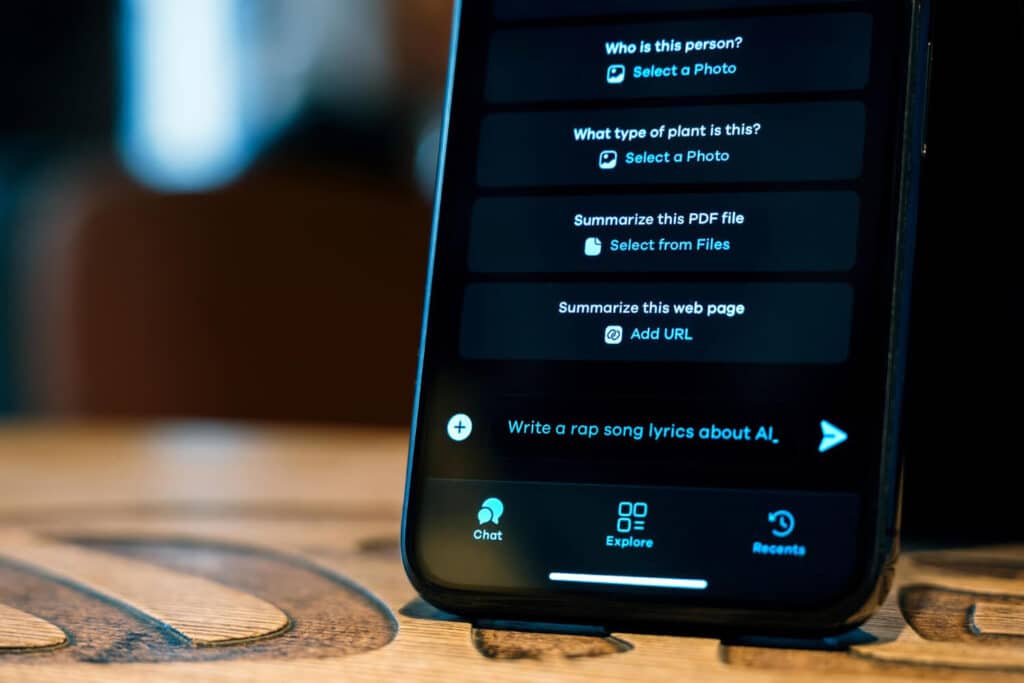

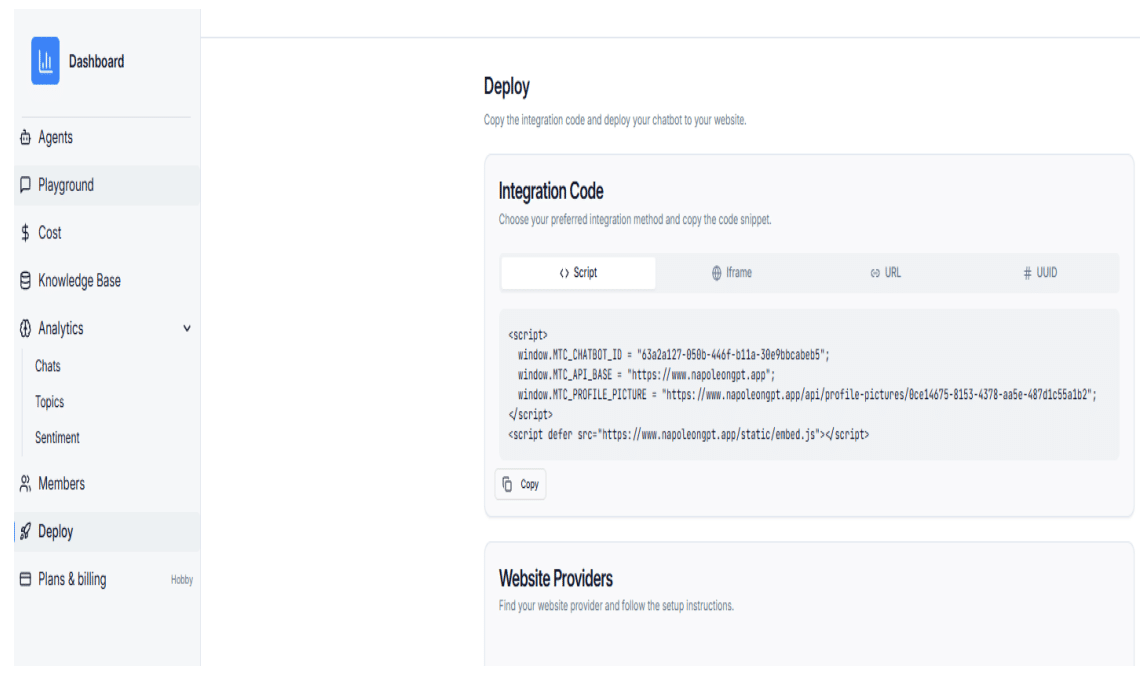
Step 1: Copy the Script from the Deploy Page
Open the Deploy page of your chatbot platform and copy the full embed script shown in the integration code section.
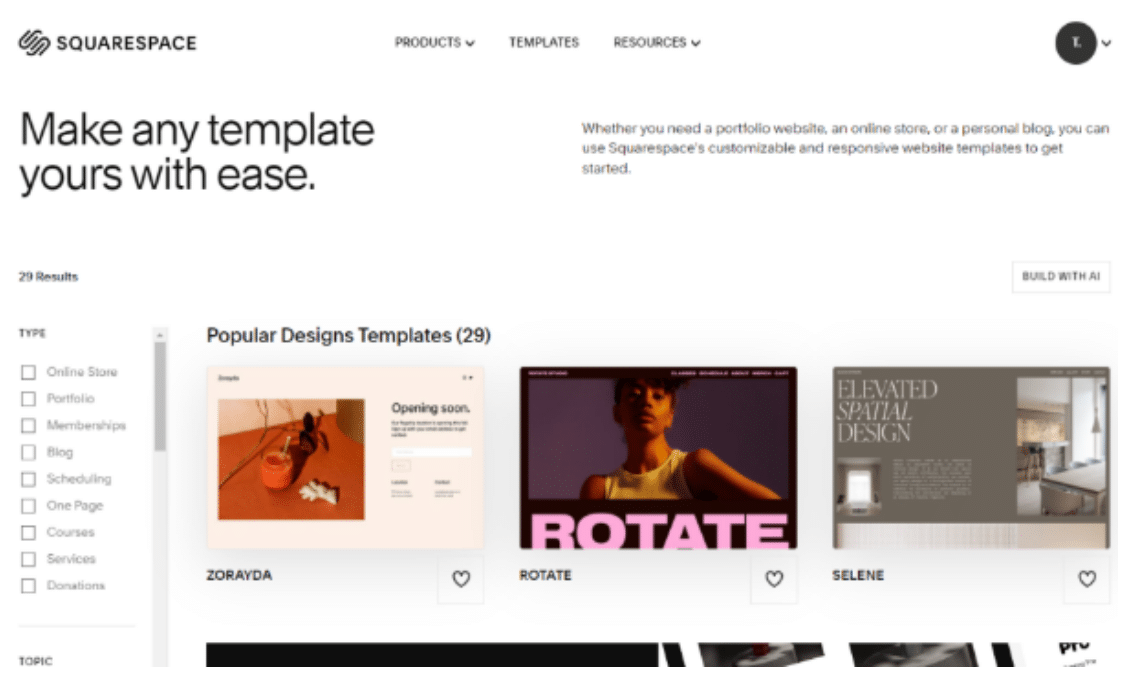
Step 2: Log in to Squarespace Admin
Go to the Squarespace Admin login page and sign in to your account.
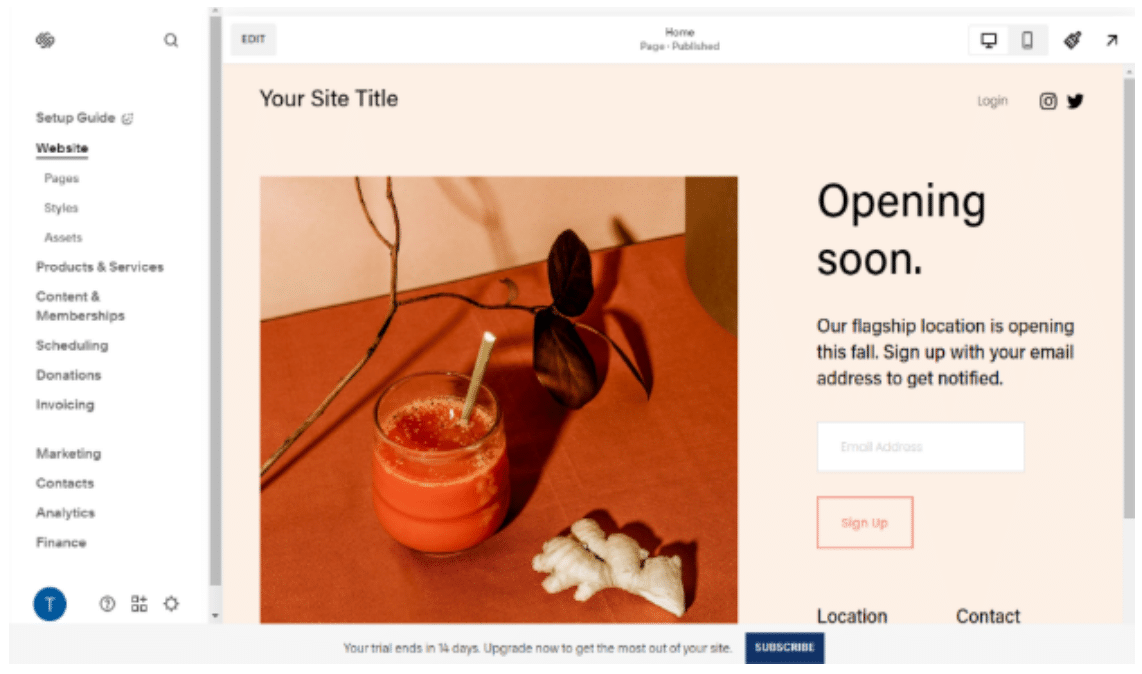
Step 3: Open the Template Editor
Navigate to the page where you want the chatbot to appear and click the Edit button to open the template editor.
Step 4: Add a Code Block
Click Add Block in the desired location and select the Code Block option from the available block types.
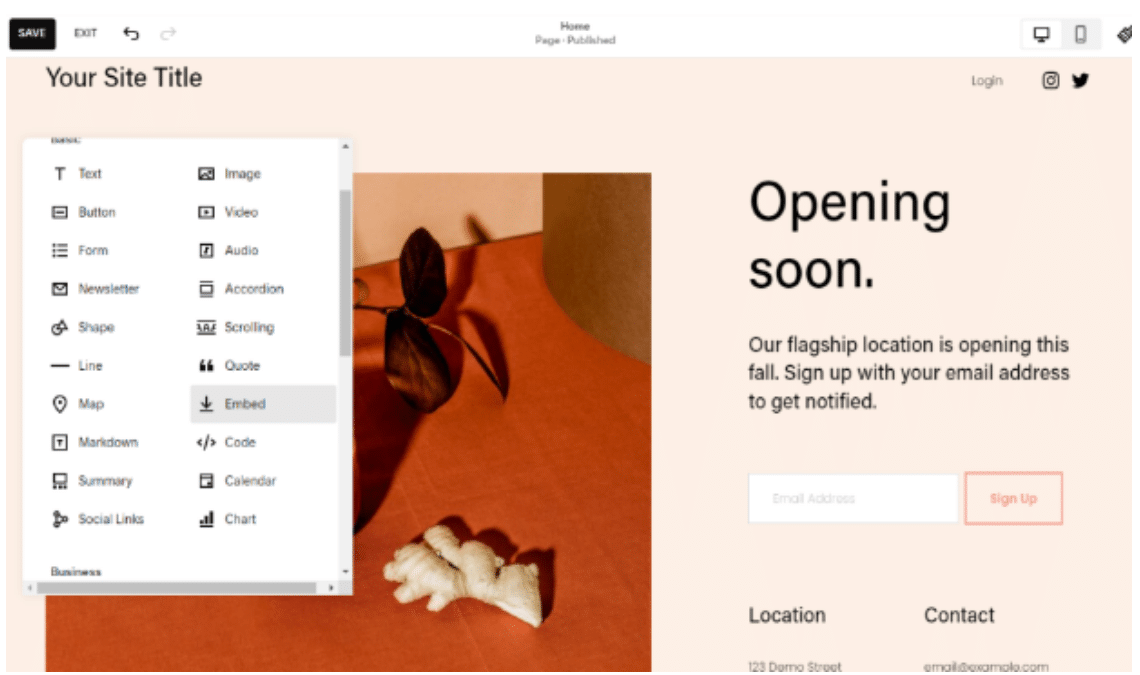
Step 5: Paste the Embed Script
Paste the embed script you copied earlier into the Code Block editor.
Step 6: Enable Preview Safe Mode
Click Preview Safe Mode to confirm the chatbot loads correctly without affecting your site layout.