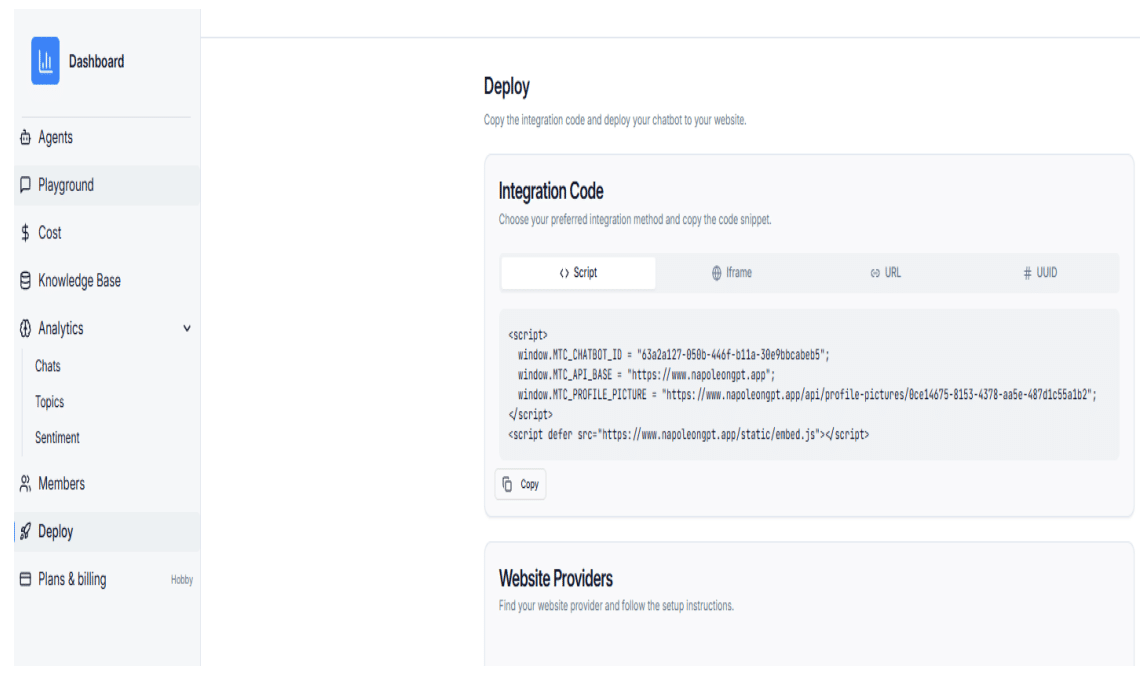
Step 1: Copy the Script from the Deploy Page
Open the Deploy page of your chatbot platform and copy the full embed script.
Step 2: Log in to Webflow Admin
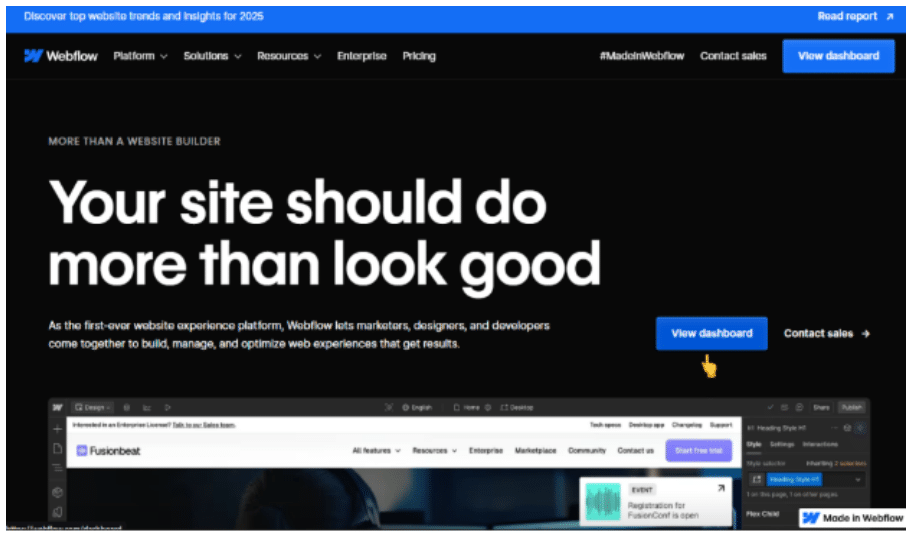
Log in to your Webflow account and open the Webflow Dashboard.
Step 3: Access Site Settings
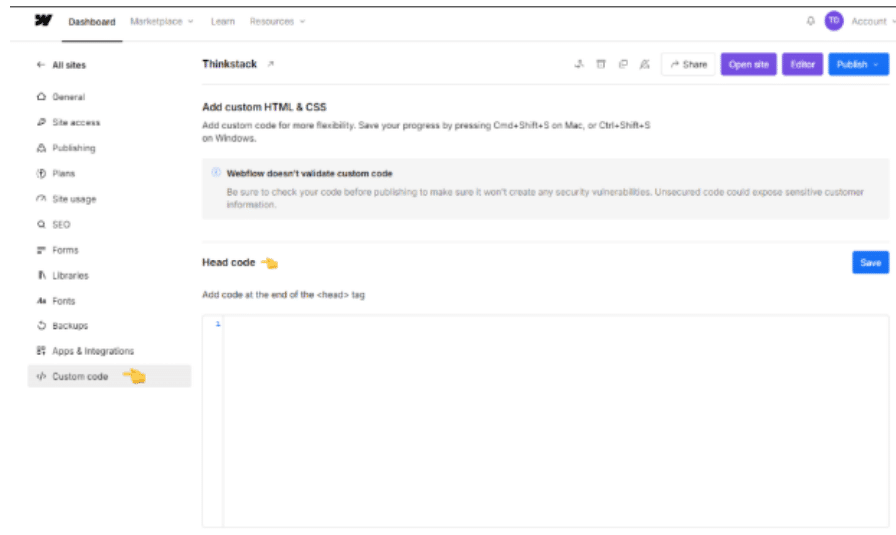
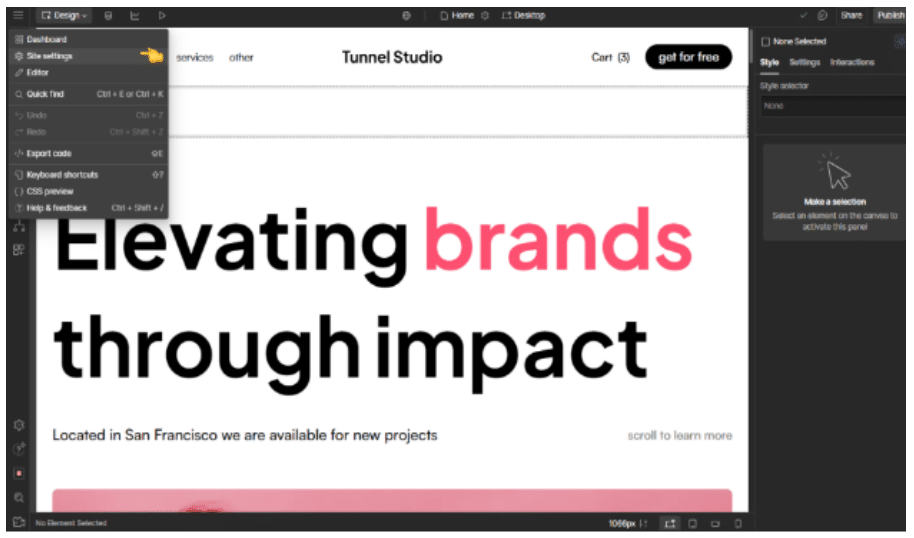
From your project dashboard, open the site you want to integrate and click Site Settings.
Step 4: Open Custom Code
Navigate to the Custom Code tab and locate the Head Code section.
Step 5: Paste the Embed Script
Paste the chat bubble embed script into the Head Code section.
Step 6: Save and Publish
Click Save to apply your changes, then publish your Webflow site.