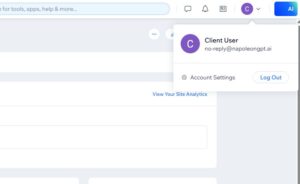
Step 1: Click your profile icon in the top-right corner, then select ‘Account Settings.’
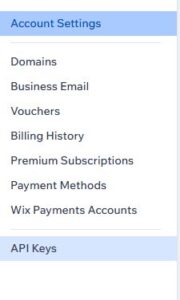
Step 2: In the left sidebar, click ‘API Keys.’
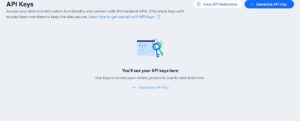
Step 3: Click ‘Generate API Key.’
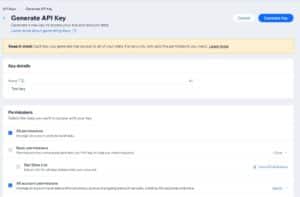
Step 4: Enter a name for your API key and set permissions to ‘All permissions.’
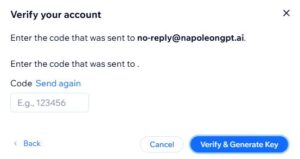
Step 5: Click ‘Send code.’
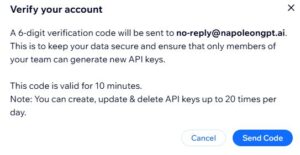
Step 6: Enter the verification code sent to your email.
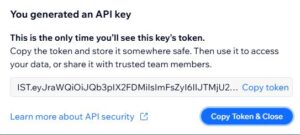
Step 7: Copy your API key.