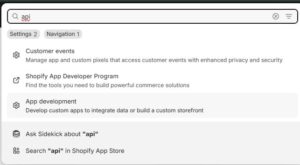
Step 1: Navigate to the search bar, search for ‘API,’ then click on ‘App Development.’
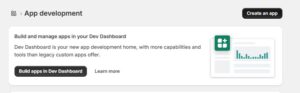
Step 2: Click ‘Create an app.’
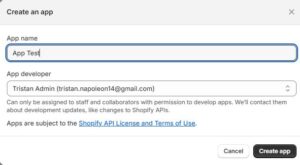
Step 3: Enter an app name, then click ‘Create app.’
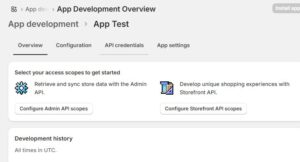
Step 4: From the Overview page, click ‘API credentials.’
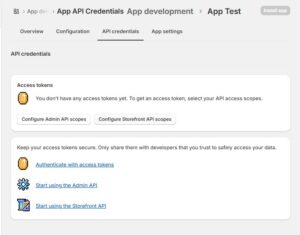
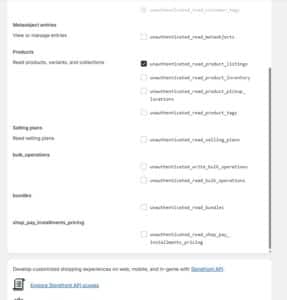
Step 5: Click ‘Configure Storefront API scopes.’
Step 6: Select the scope ‘unauthenticated_read_product_listings,’ then click ‘Save.’
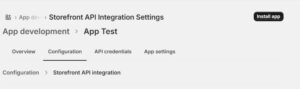
Step 7: Click ‘Install app.’
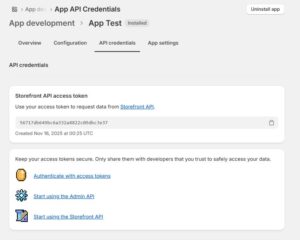
Step 8: Copy the ‘Storefront API access token.’