
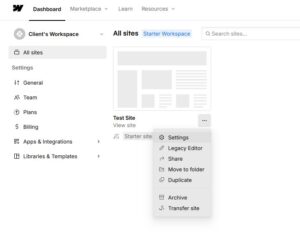
Step 1: Click the three dots on your site, then select ‘Settings.’
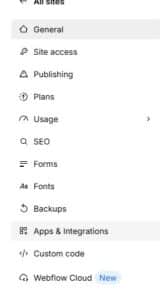
Step 2: In the left sidebar that opens, click ‘Apps & Integrations.’
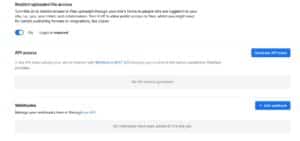
Step 3: Scroll to the bottom until you see ‘API access,’ then click ‘Generate API token.
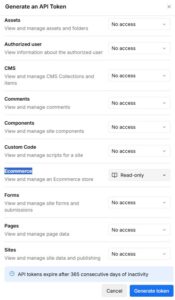
Step 4: Under ‘Ecommerce,’ change the permission from ‘No access’ to ‘Read-only.’
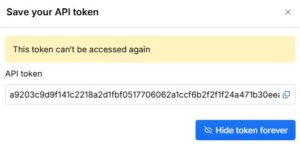
Step 5: Copy your API token